The Vendor detail page (Accounts Payable > Vendors > Vendor # hyperlink), has a Contacts tab. Use this tab to add vendor contacts and view a list of exiting contacts:

You can sort the information in the columns (Contact Name, Relationship, Phone, Email, and Notes) and can filter the information in any of the columns.
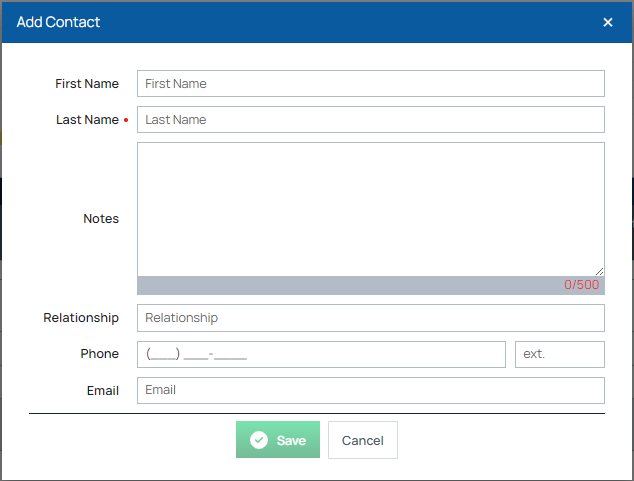
Click the Add New Contact button to open the Add Contact form:
After adding contacts, you can edit or delete any using the buttons in the grid row.
